Nine ways to start a song
A sentence, a hum, a verse, a photo, a person, a rhythm or someone else’s song. Every way into Midhull leads to the same studio and a finished song with a cover of its own.

Say what you want to hear
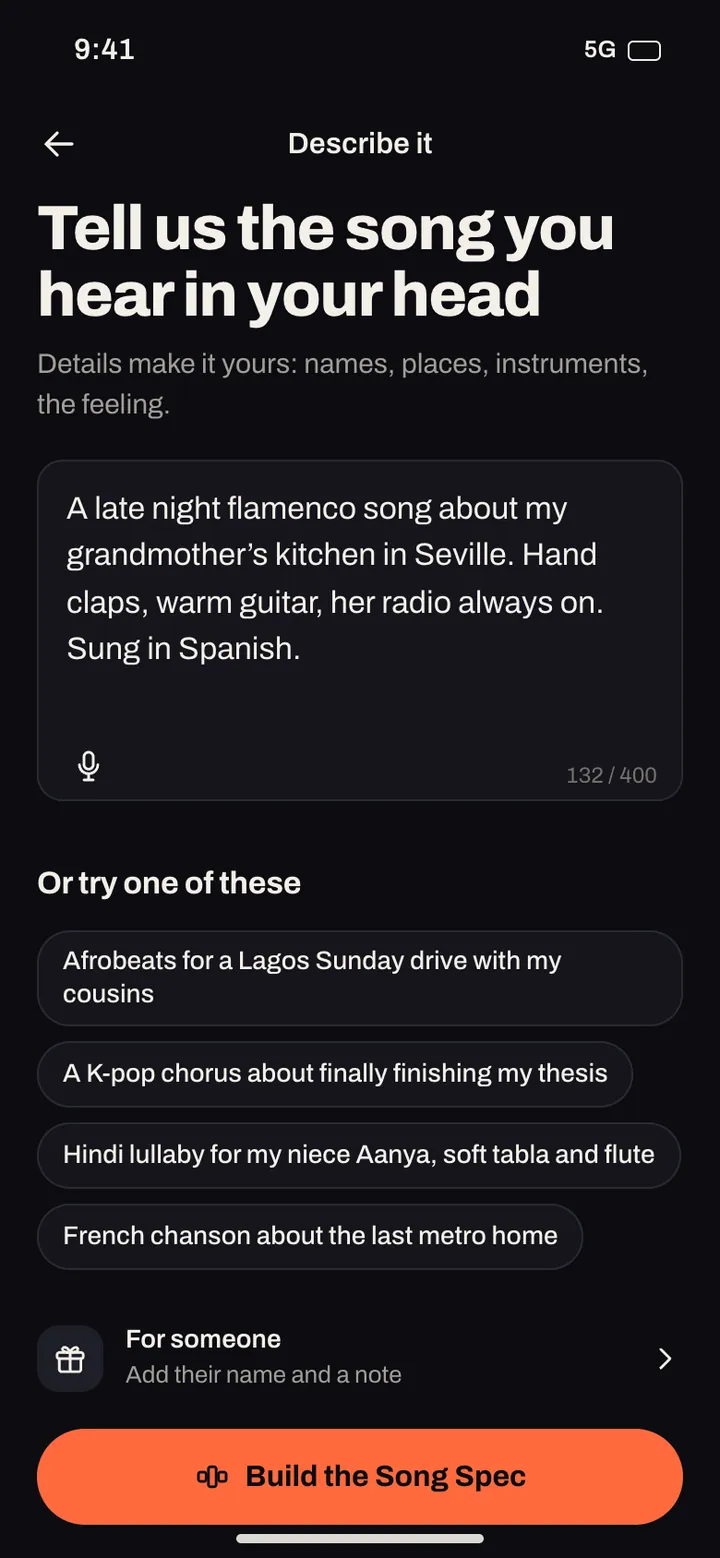
Write a sentence in any of the app’s languages: a story, a mood, a scene. “Upbeat summer pop about driving to the coast with friends at sunrise.” We write the lyrics, shape the verses and chorus, choose the instruments and sing it.
- Write one sentence, or a whole paragraph.
- Pick a genre, a mood and the language it’s sung in, or let us choose from what you wrote.
- Read the lyrics before we sing them and change any line you like.
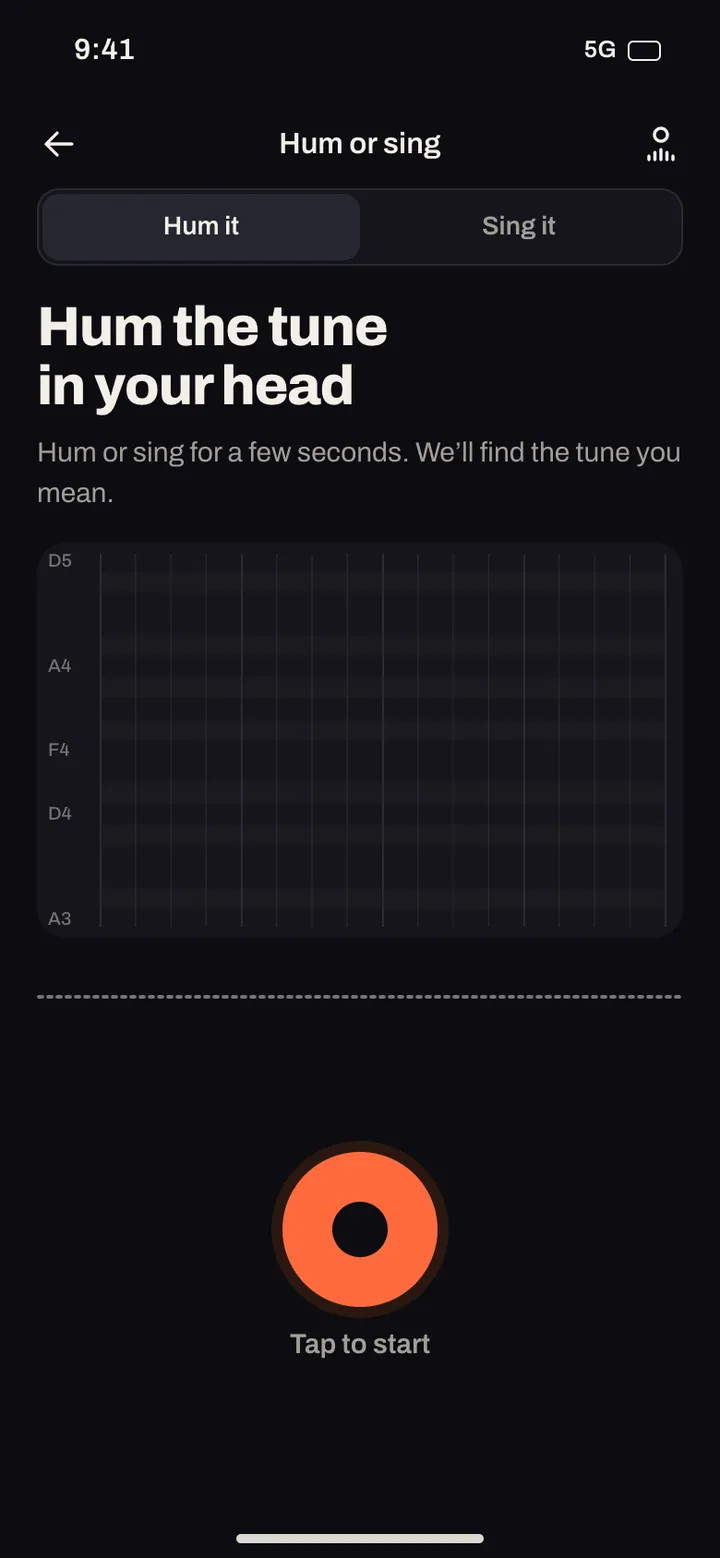
Hum the tune that’s stuck in your head
Hold the phone close and hum for a few seconds. We follow your melody and build a full song around it, with lyrics, a band and a voice.
- Hum or whistle for a few seconds.
- Tell us the feeling or the story, if you have one.
- Hear your melody come back as a song.
Sing a line and keep its melody
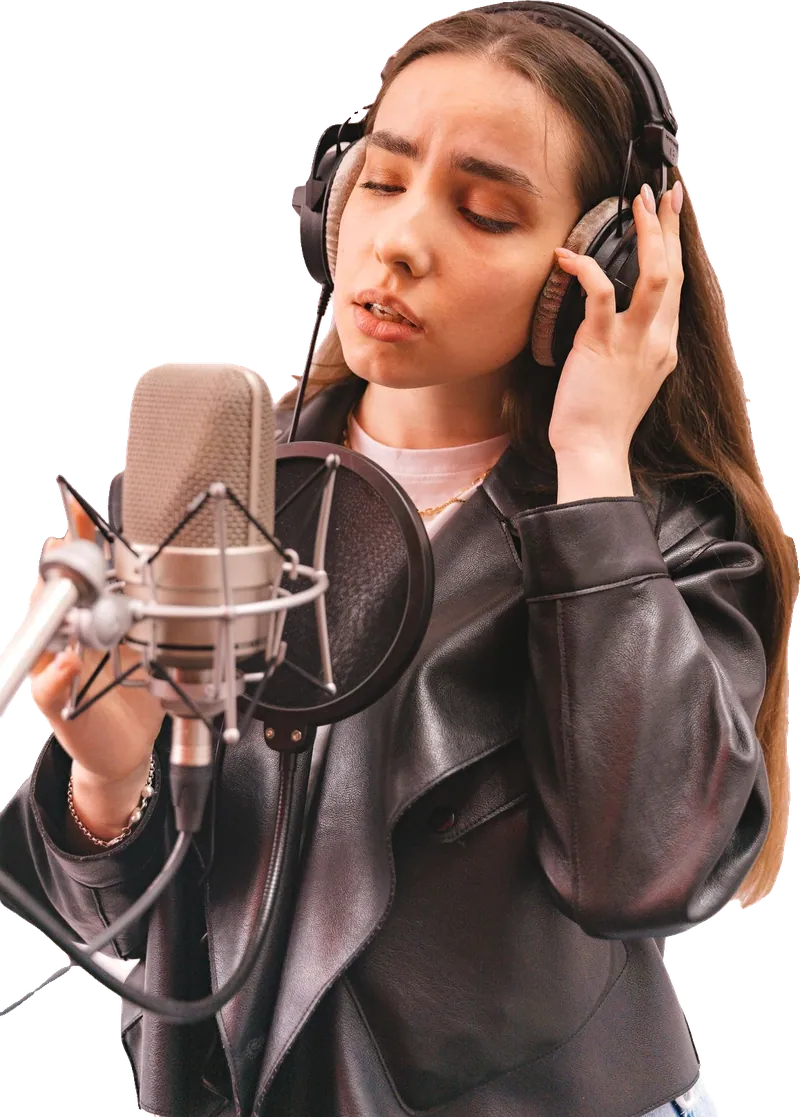
Sing a few words the way you hear them. We keep your tune and your phrasing, then write the rest of the song and arrange the band around it.
- Sing a line, a hook or a whole verse.
- Choose the genre and the voice that sings it back.
- Want your own voice on the final song? Set up My voice in the studio.
Your lyrics, sung line by line
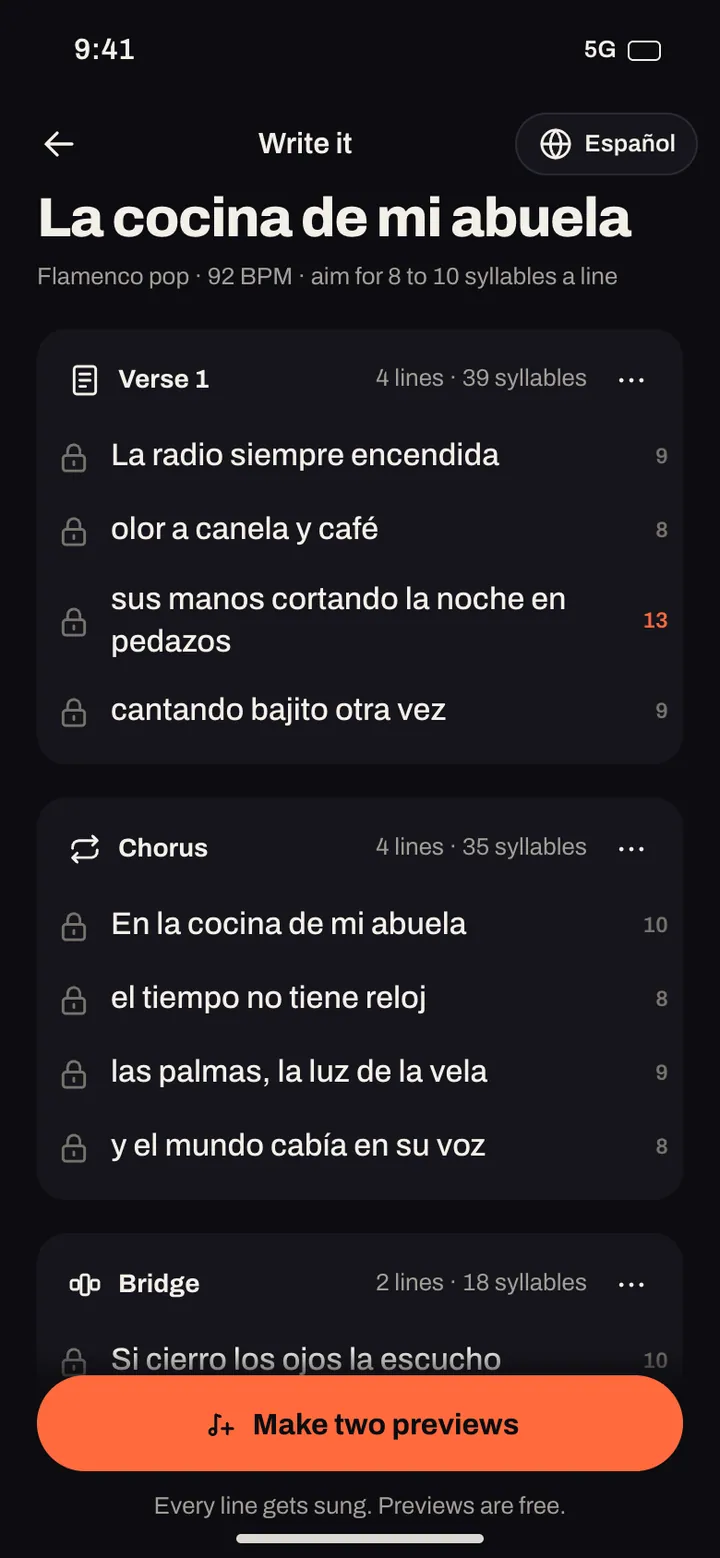
Paste a poem, a letter or lyrics you’ve carried around for years. Mark the verse and the chorus if you like, and every line is sung in the order you wrote it.
- Write or paste your words.
- Add [Verse] and [Chorus] to shape the song.
- Choose the sound and hear your words sung.

Turn a photo into a song
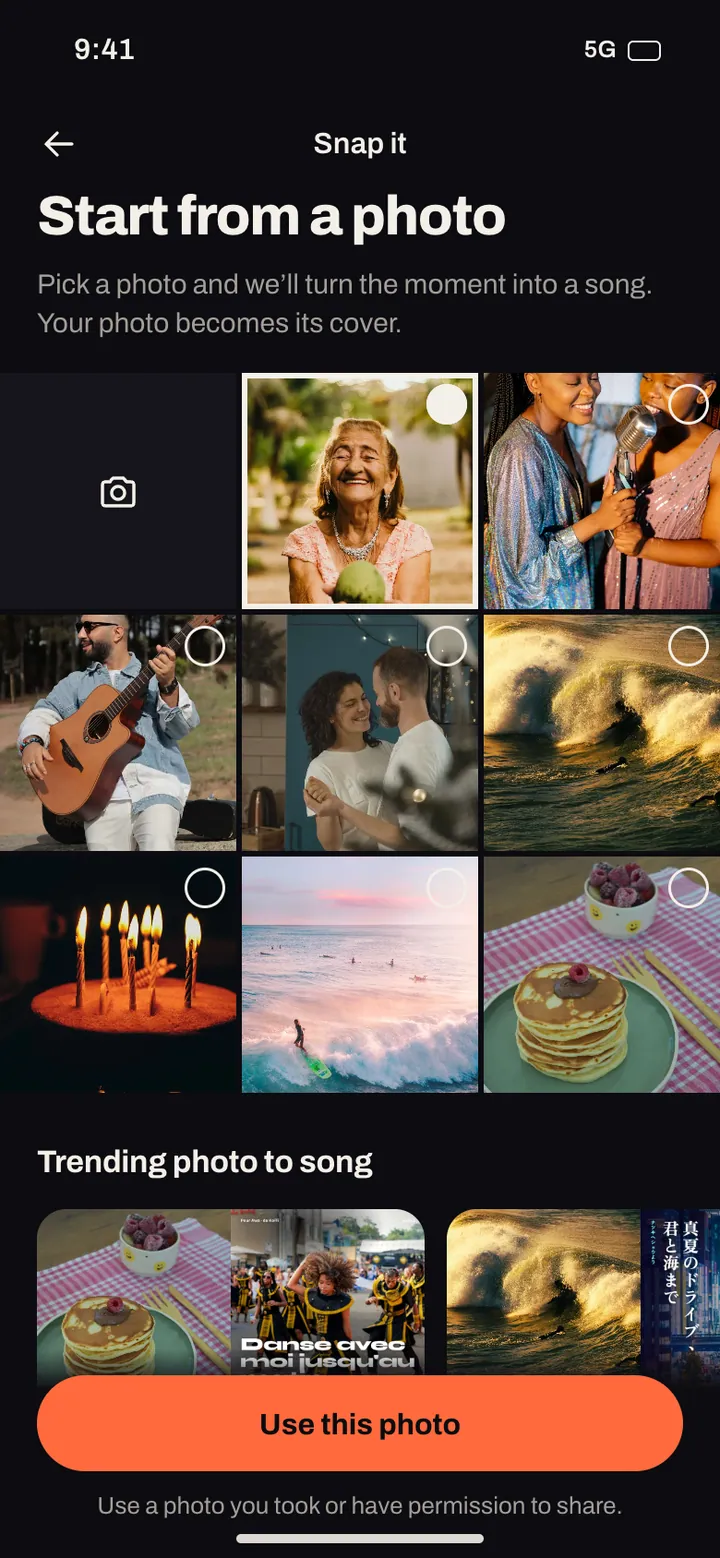
Pick a photo from your camera roll and we turn the moment into a song: the place, the people, the light. Your photo can become the song’s cover.
- Pick a photo.
- Add a line about what was happening, if you want.
- Hear the moment as a song, with your photo on the cover.


A song about someone
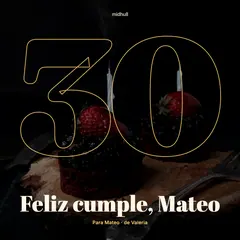
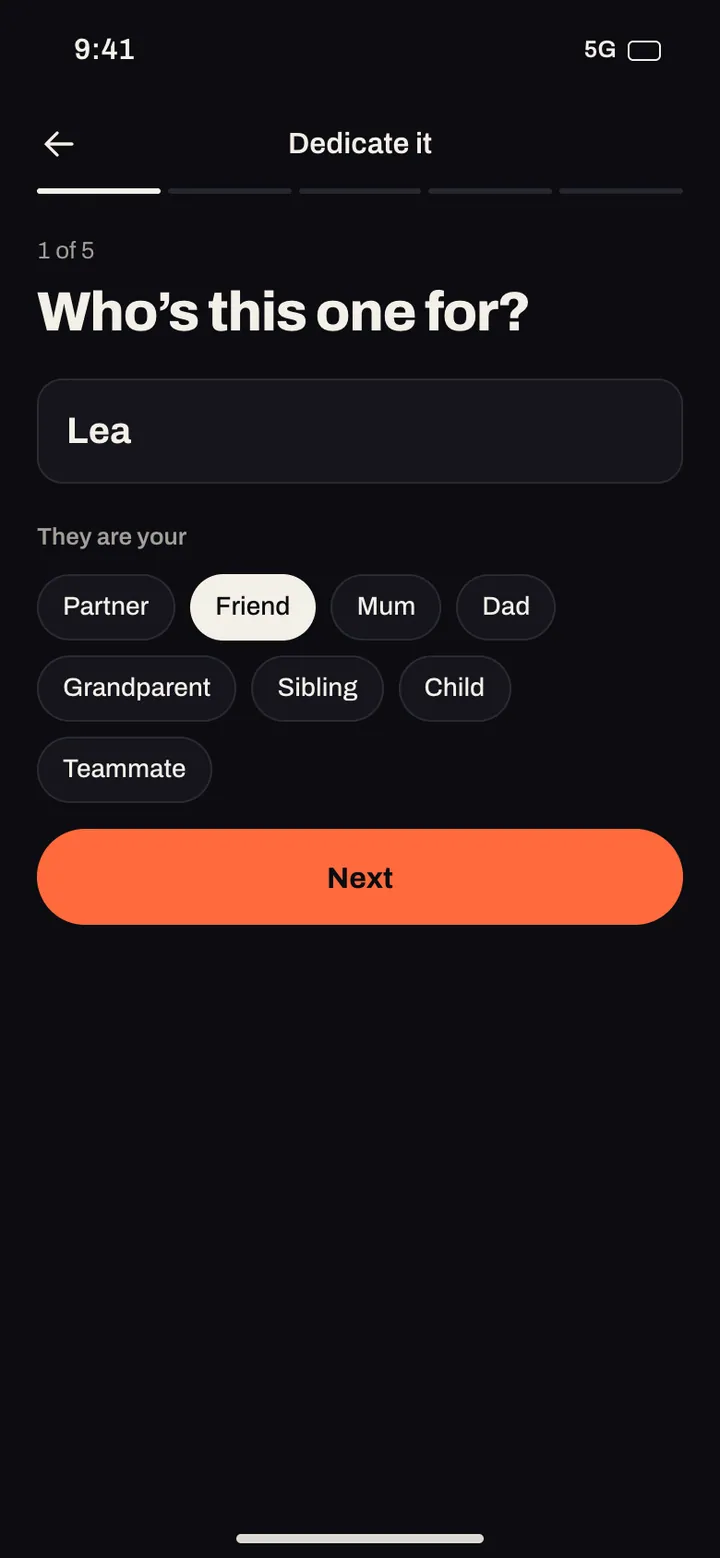
Answer a few questions: who it’s for, the occasion and one thing only the two of you would get. We write a song that could only be about them, and you send it with a note.
- Tell us their name and the occasion.
- Share one detail only they would understand.
- Send it with a note, or keep it for the day.

Start from a rhythm
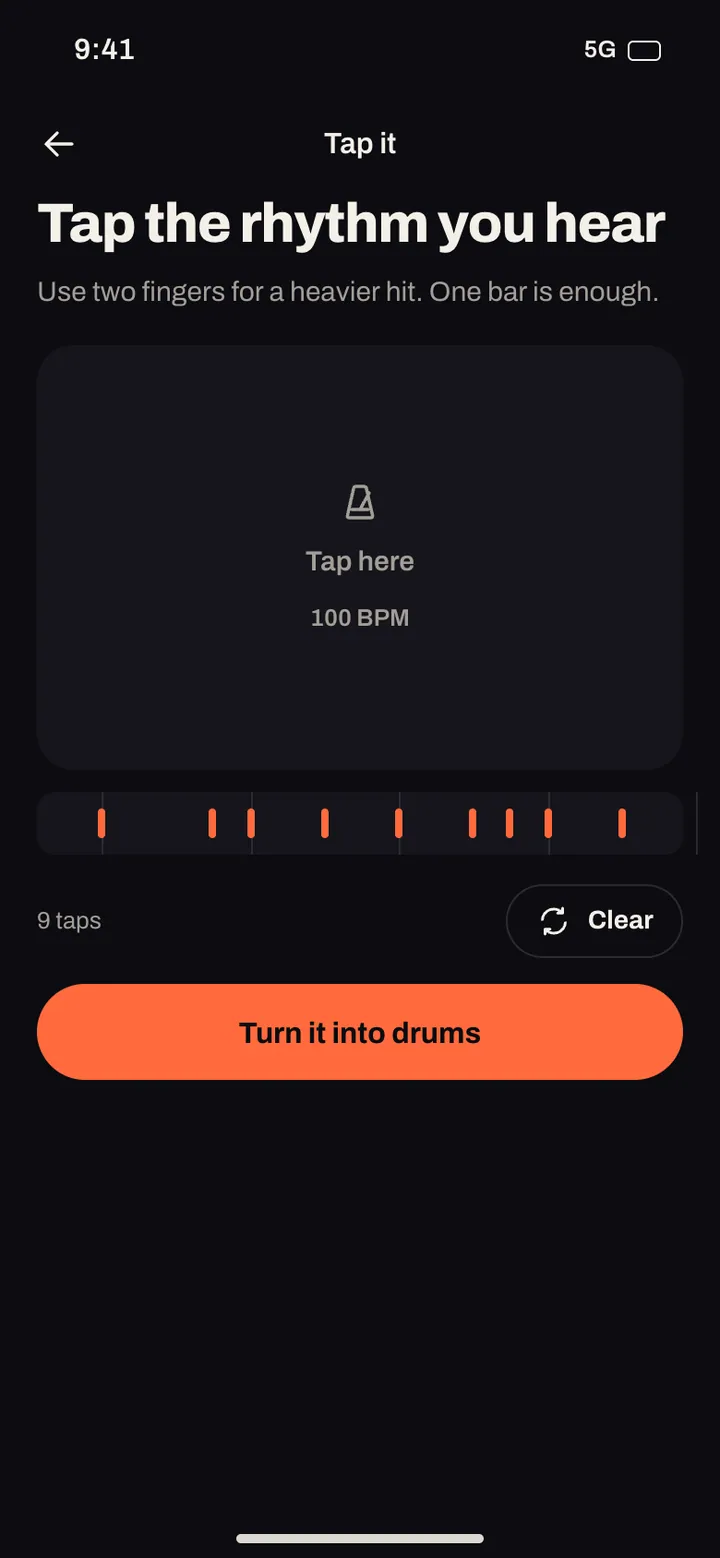
Tap a beat on the screen, on the table or on your knee. We turn it into a drum pattern and build the song on top of your groove.
- Tap a rhythm for a few bars.
- Choose how fast and how hard it hits.
- Add a sentence, lyrics or a hum, and hear the song.
Take a song somewhere new
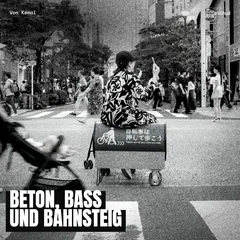
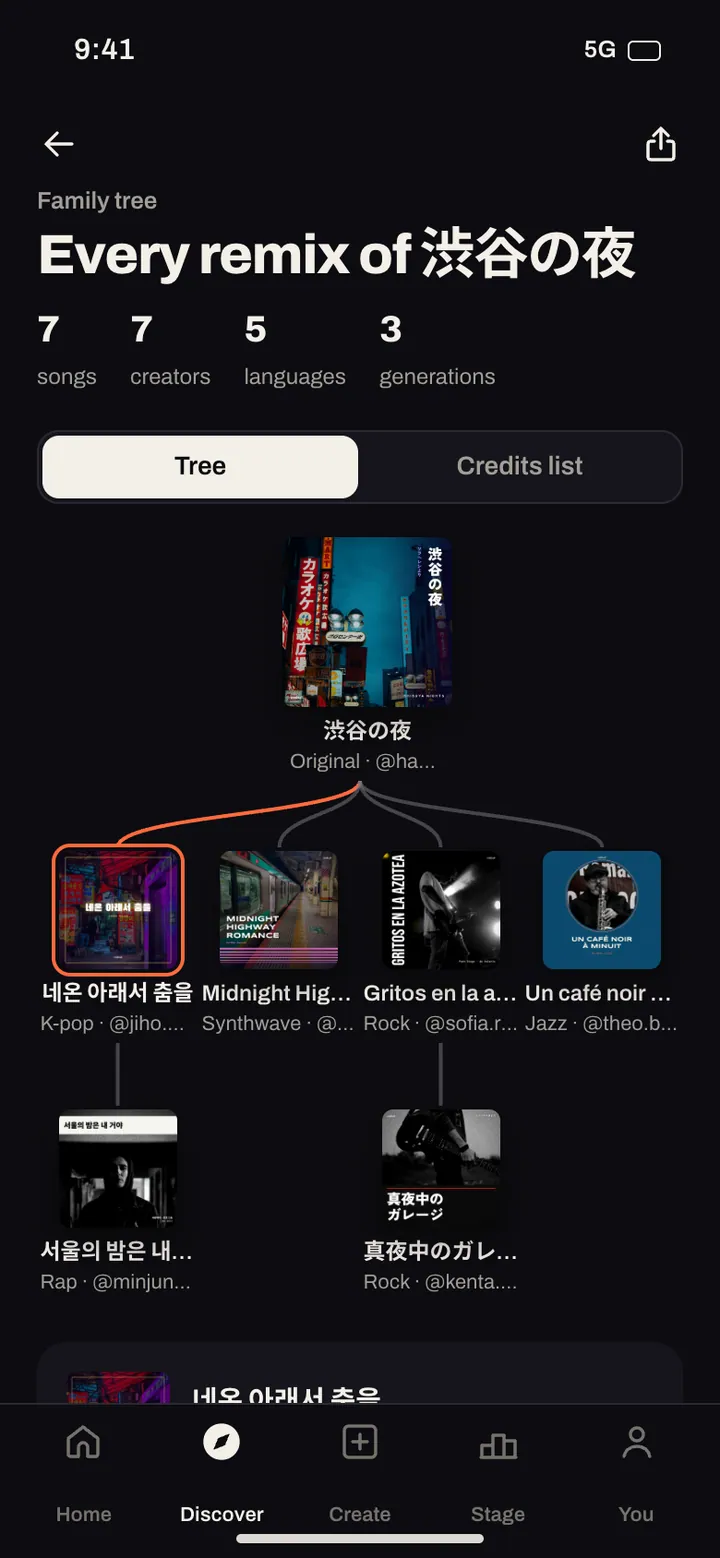
Found a song you love in the feed? Remix it into another genre, tempo or language. The original creator is credited on your version and hears about it, and the song’s remix tree shows where every version came from.
- Open a song and tap Remix.
- Change the genre, the tempo, the voice or the words.
- Your remix keeps its credit chain to the original.

Chop it, flip it, build on it
Pick a sound, chop it into pieces and play them back in your own order. Build a beat from it, then rap or sing over the top.
- Choose a sample from your recordings, the community or our sample packs.
- Chop it and arrange the pieces on the pads.
- Add drums, words and a voice, and finish the song.
- Your own recordings, made in the app.
- Songs from the Midhull community, credited automatically through the remix tree. Creators can opt out.
- Sample packs we make ourselves.
Commercial and third party recordings can’t be sampled. Uploads are checked against copyrighted music before they reach the studio.
What happens after you tap Make
-
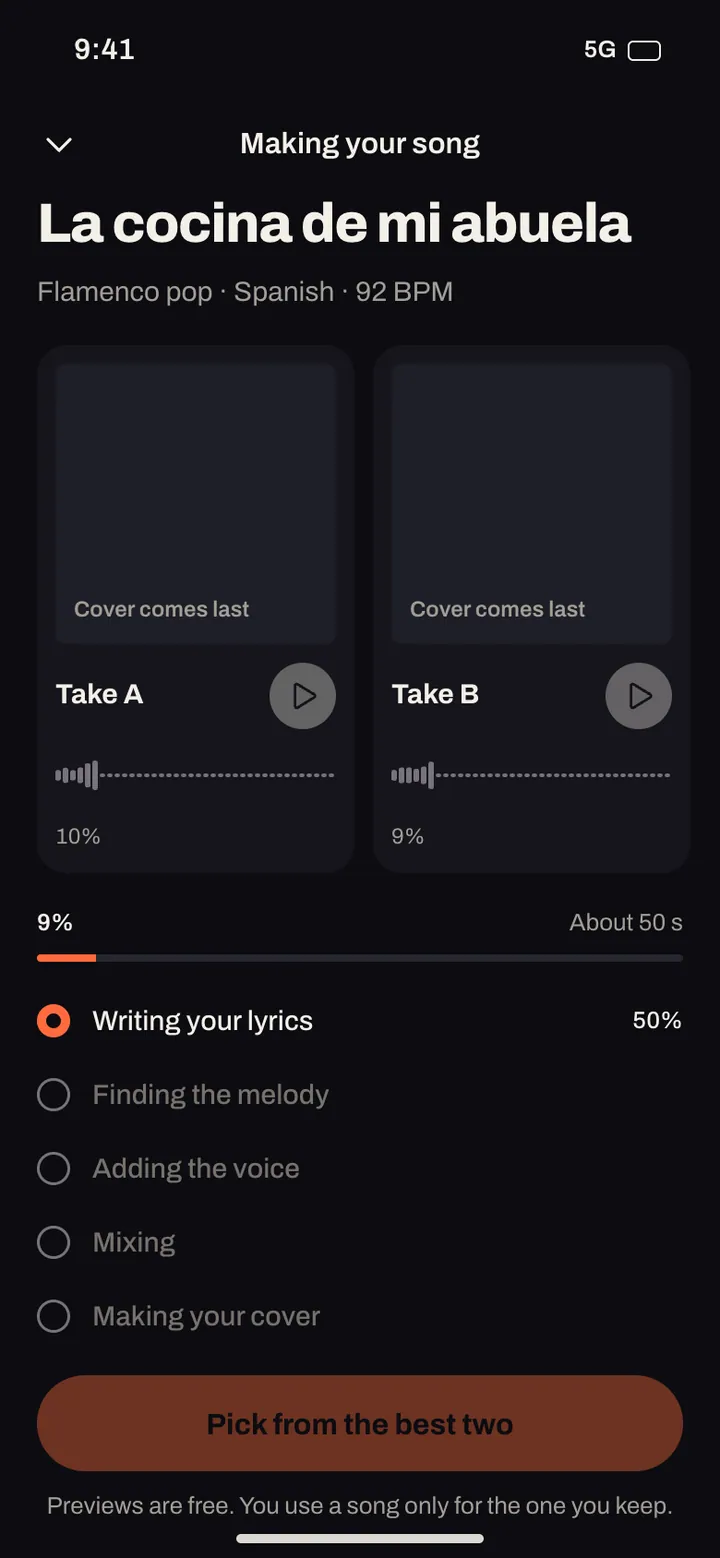
We write
Lyrics in the language you chose, with verses, a chorus and a bridge that fit the music.
-
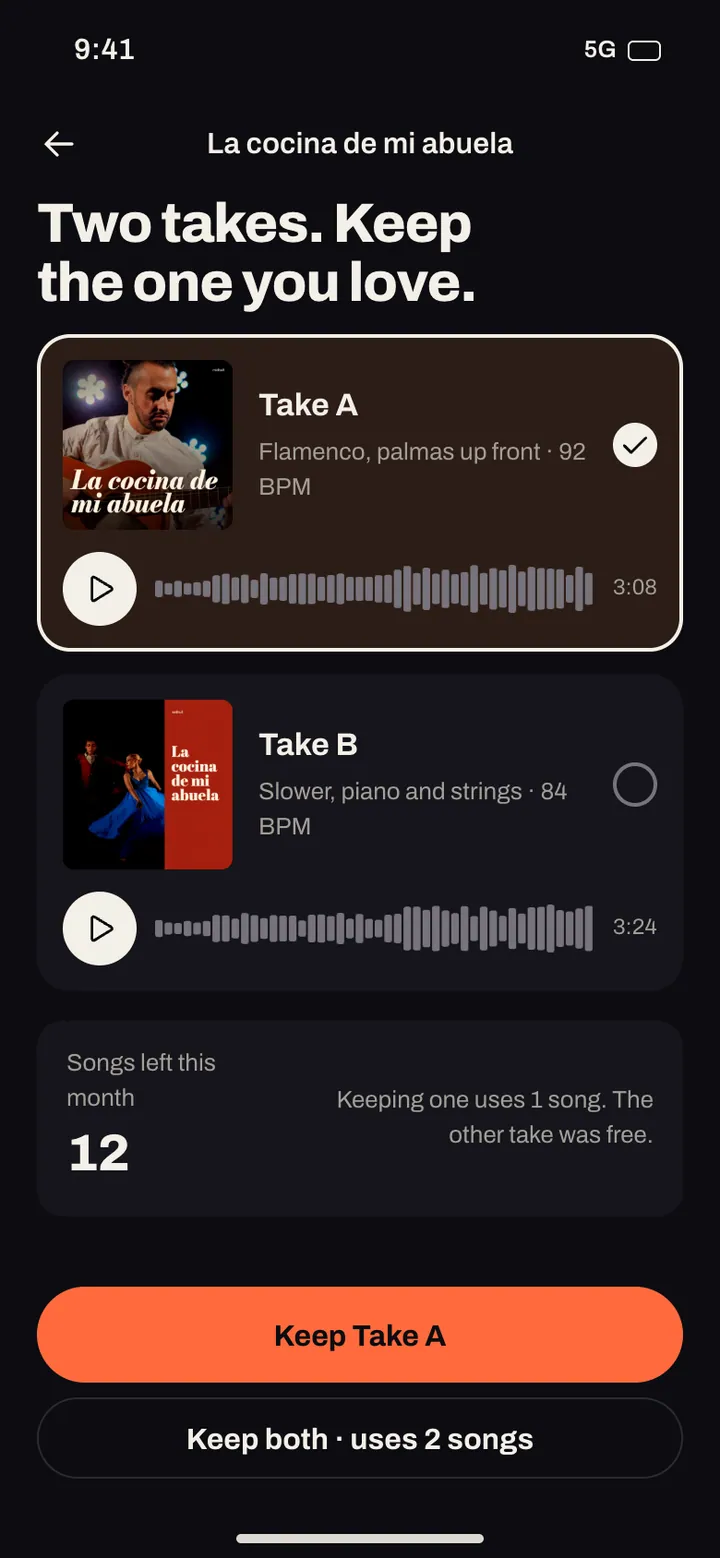
We make two
You hear two short versions and choose the one you like more.
-
You keep one
We finish the one you choose. A song from your balance is used only when you keep it.
-
It gets a cover
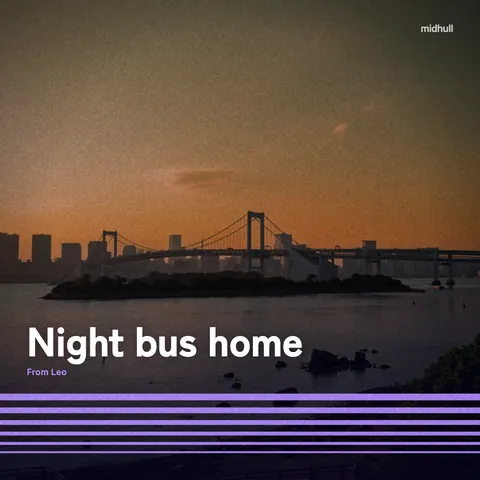
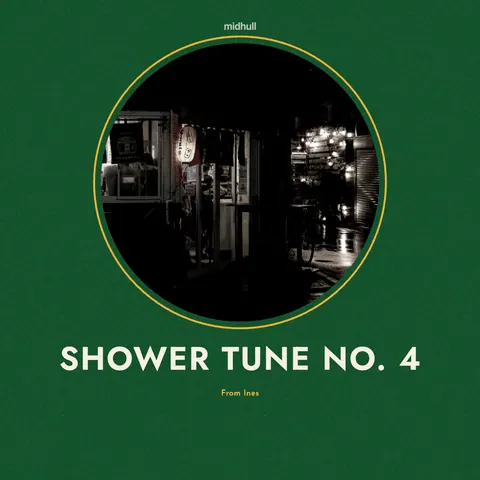
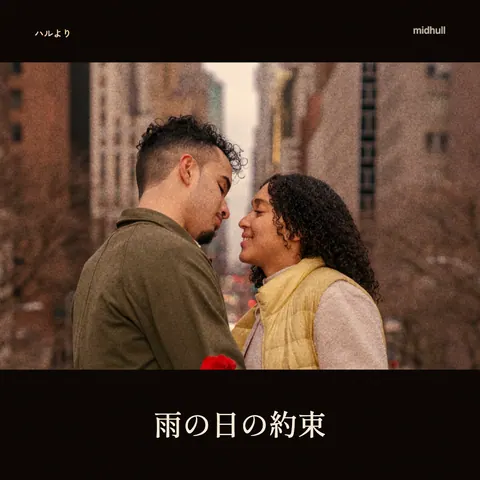
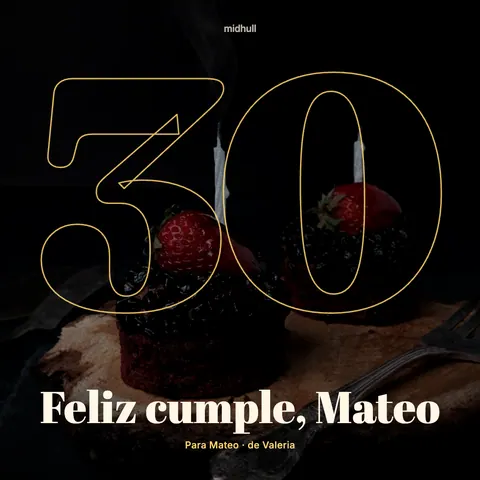
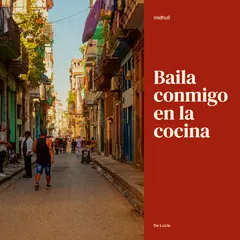
Every song gets its own cover and a lyric video, ready to share.
Or start from a template
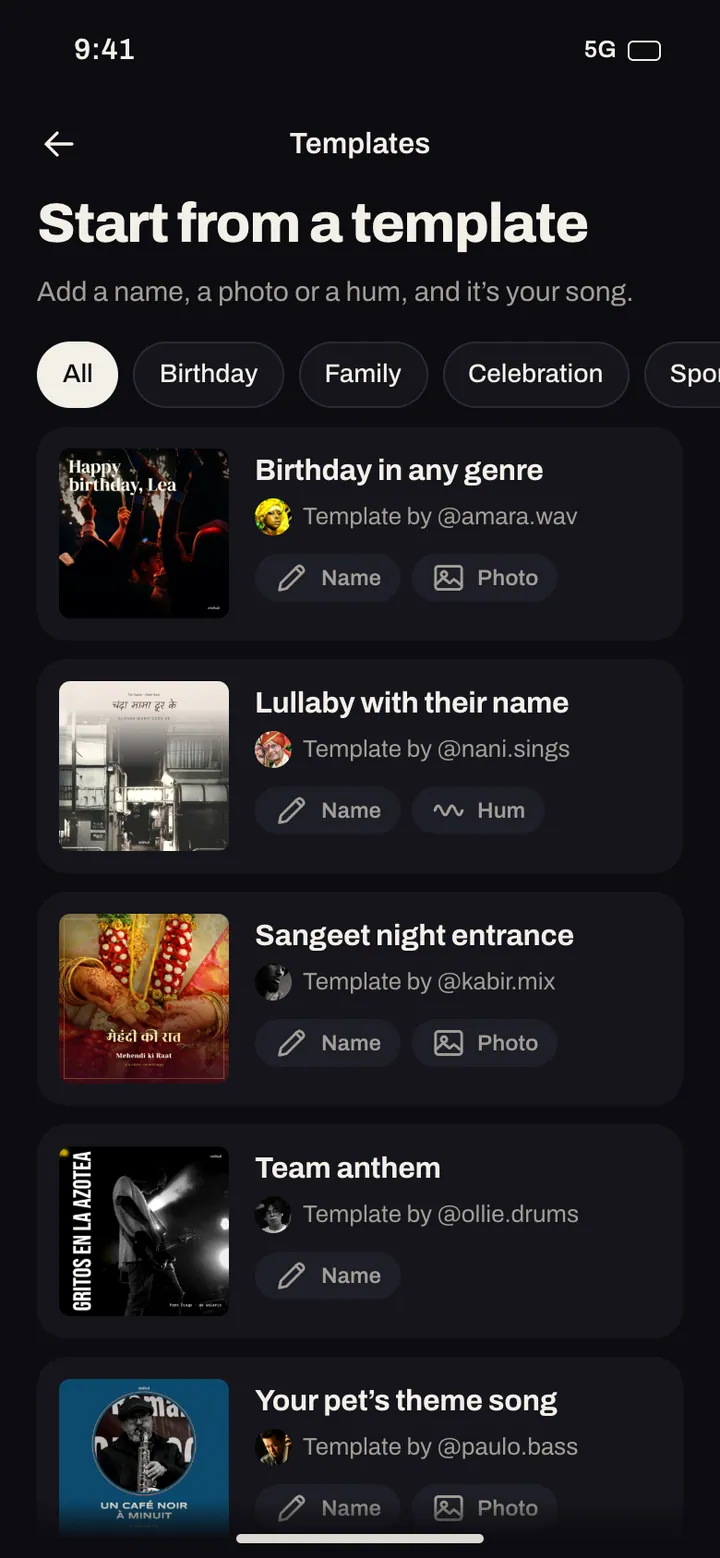
Templates are songs with blanks: a name, a photo or a hum. Fill them in and the song is yours. The person who made the template is credited every time it’s used.

Your first song is on us
When Midhull opens, your first full song is free, made right inside the welcome. It’s saved on your phone and yours to keep.